8
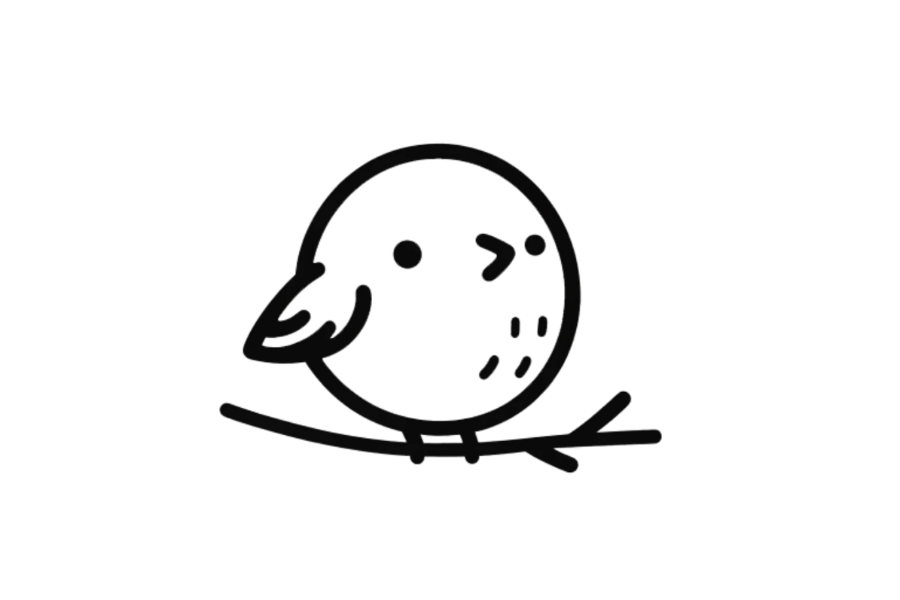

🐦 Simple Bird Drawing Template (Interactive)
This simple Bird drawing template lets you practice drawing a bird directly on screen — no printing or downloading needed.
Trace the wings and pointed beak step by step with your finger, mouse, or stylus. Just open the page and start drawing right away.
Great for beginners, kids, and anyone who wants to practice drawing birds for school projects, greeting cards, or just for fun.
👉 Start drawing directly on the template above.
👉 Use your finger, mouse, or stylus to trace the lines. For the best drawing experience, we recommend using a tablet with a stylus.
1. Brush Tool - Trace or draw freely using the brush tool. You can adjust the line thickness to match the line weight of each drawing.
2. Fill Tool - Fill an area with color using one click. Make sure the shape is fully closed before filling.
3. Eraser & Undo / Redo - Fix small mistakes, undo actions, or redo steps easily.
4. Clear Canvas - Use the trash bin to clear the canvas and start a new drawing anytime.
5. Save Your Drawing - Don't forget to save your artwork when you're done.
Enjoyed this template? Try these other free drawing templates:
Drawing a bird requires getting the proportions and wings and pointed beak just right — practicing online lets you trace and redo as many times as you need until the shapes feel natural.
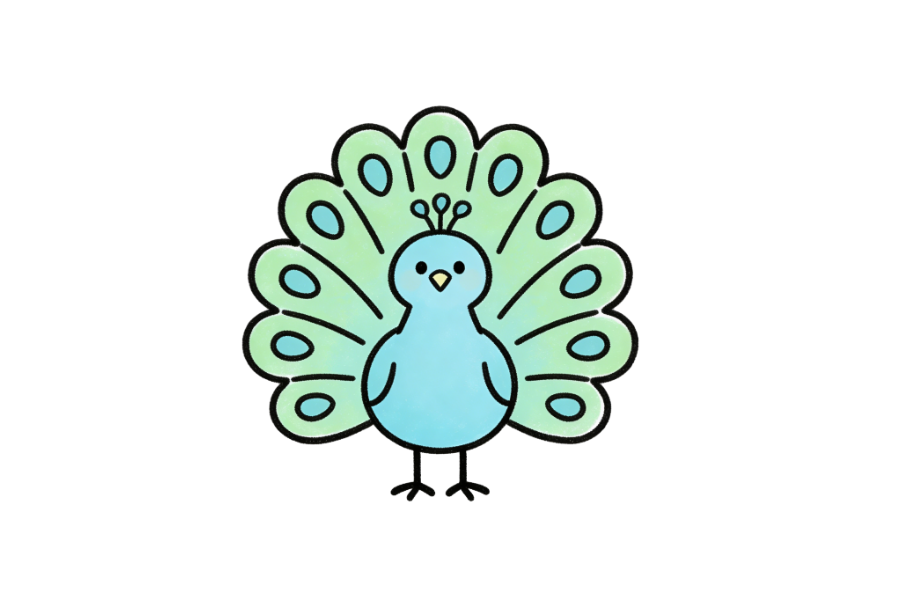
This Bird template features a clean, simple outline of a bird with clearly defined shapes that are easy to follow even for beginners. The design highlights the most recognizable features of a bird — wings and pointed beak — in a style that is approachable for all skill levels.
Whether you're drawing a bird for the first time or looking to practice your animal illustration skills, this template gives you a clear, friendly starting point.
By practicing with this template, you'll build skills that apply to all kinds of drawings:
This template is great for:
Can I draw directly on this page?
Yes! Tap or click the canvas to start tracing the animal outline immediately — works on any device, no download needed.
Are these animal templates suitable for young children?
Yes, the simple outlines are perfect for kids aged 4 and up. The clear shapes make them easy to trace and color.
Can I use an eraser if I make a mistake?
Absolutely — use the eraser tool to fix small mistakes, or the undo button to step back. You can also clear the whole canvas and start fresh.
Can I save my finished animal drawing?
Yes, click the save button to download your drawing as a PNG image. It saves with a white background so it looks great when shared or printed.