
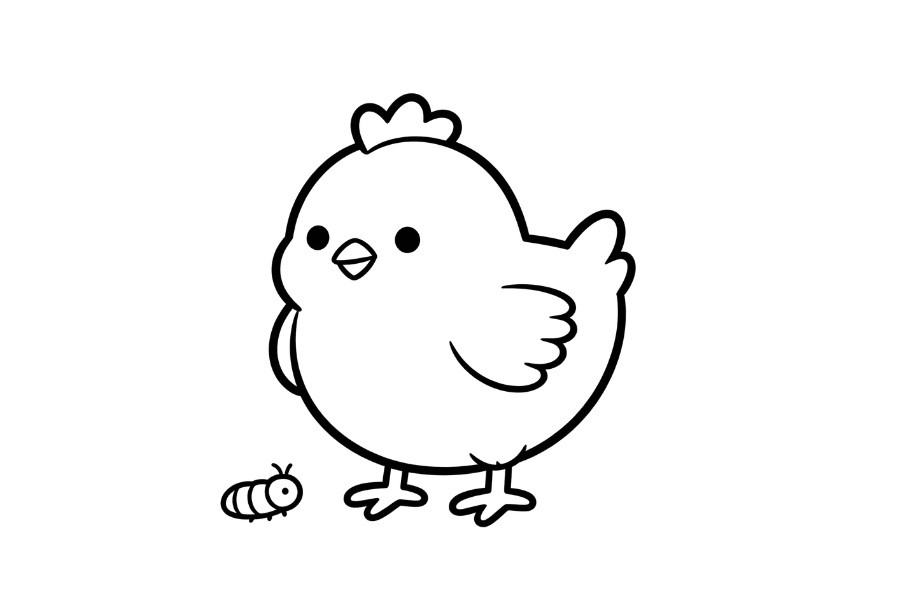
Easy Chicken Coloring Page (Color Online for Free)
🐔 Easy Chicken Coloring Page
Read more ▾
This free chicken coloring page can be colored right here in your browser — no printing or downloading required.
Pick a color from the palette, then tap or click inside any area of the chicken to fill it in. Use the trash icon anytime to clear the page and start over.
Great for kids and anyone who enjoys a quick, relaxing coloring activity.
🪣 Color Online — No Download Needed
👉 Start coloring directly on the page above.
👉 Pick a color, then tap or click inside any area to fill it in.
How to Use the Coloring Tools
1. Fill Tool - Tap any area to fill it with the selected color. Make sure the shape is fully closed before filling.
2. Clear Canvas - Use the trash bin to clear the page and start over anytime.
3. Save Your Coloring Page - Don't forget to save your artwork when you're done.
✨ More Free Coloring Pages
Enjoyed this coloring page? Try these other free coloring pages:
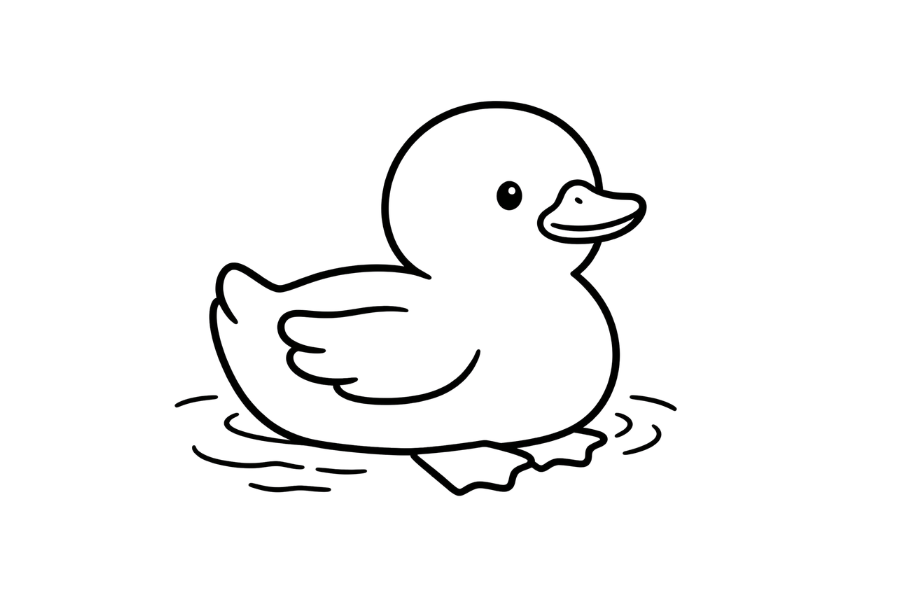
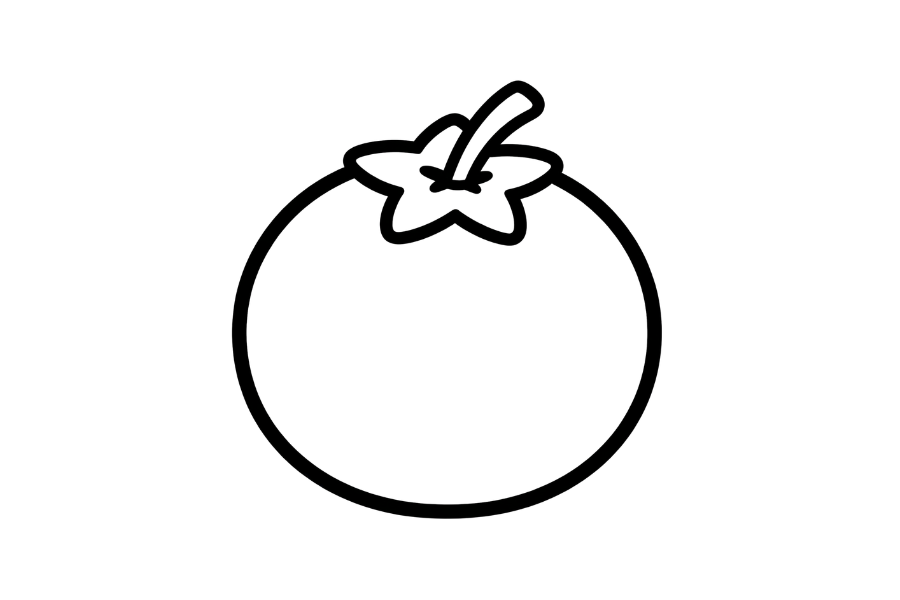
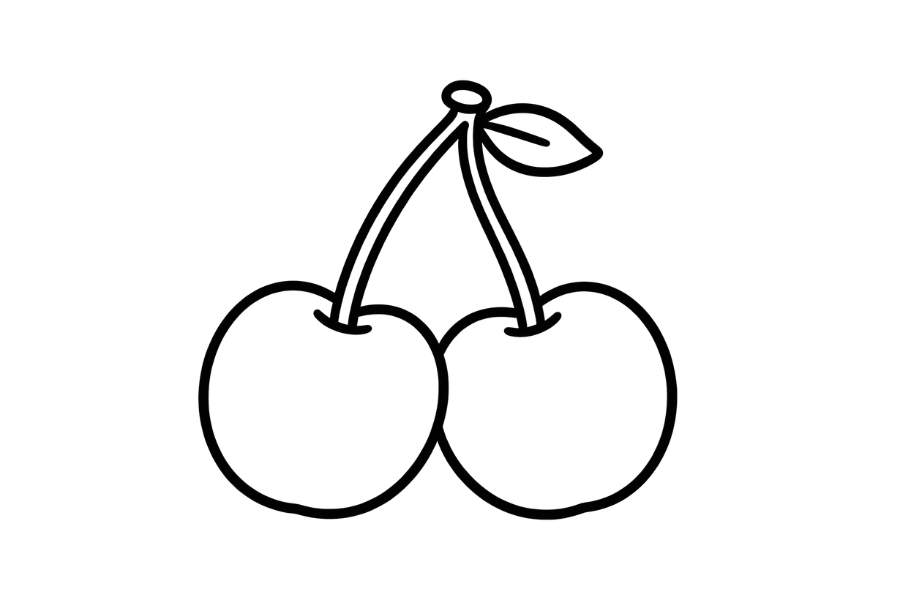
🎨 Why Use an Online Coloring Page?
Coloring a chicken online means no printer, no crayons to clean up, and no torn paper — just pick a color and tap. A wrong fill can simply be re-filled with a different color, and the clear button always gives you a fresh start.
🐔 About This Coloring Page
This chicken coloring page features a clean, friendly outline with clearly closed shapes, so every area fills in neatly with the tap of a color.
Look closely at the comb and the feathered wings — those are the fun details to color carefully for the best-looking finished picture.
🎓 What You'll Learn
Coloring this page helps build skills that apply to all kinds of art:
- How to pick colors that work well together
- How to fill enclosed shapes cleanly using the paint bucket
- How to plan a color scheme before you start filling
- How small details like the comb and the feathered wings can make a coloring page stand out
🚀 Tips for a Better Coloring Page
- Start with the biggest areas first — filling the body before the small details gives you a better sense of the overall color balance.
- Save the comb and the feathered wings for last — smaller areas are easier to get right once the bigger shapes are already filled in.
- Pick a custom color — use the color wheel swatch if you want a shade that's not in the default palette.
- Made a mistake? Use the trash icon to clear the page and start fresh — there's no limit on how many times you can try.
- Save your work — click the save button anytime to download your colored chicken as a PNG.
👶 Who Is This Coloring Page For?
This coloring page is great for:
- Kids who enjoy simple, relaxing coloring activities
- Beginners who want an easy first digital coloring page
- Parents and teachers looking for a screen-friendly art activity
- Anyone who wants a quick creative break without printing anything
- Chicken lovers and animal coloring fans
❓ Frequently Asked Questions
Can I color this chicken page directly on my phone or tablet?
Yes — tap works just like clicking with a mouse. The paint bucket tool is designed for touch, so no stylus is required.
Do I need any coloring experience to use this page?
Not at all. Just pick a color and tap inside any closed area of the chicken to fill it — there's nothing to learn.
Can I save my colored chicken when I'm done?
Yes — click the save button to download your finished coloring page as a PNG file, ready to share or print.
What if I fill the wrong area by mistake?
Just tap that area again with a different color to refill it, or use the trash icon to clear the whole page and start over.
Why can't I draw lines on this page, only fill color?
This is a coloring page, not a drawing template — it's built around the paint bucket tool so you can focus purely on filling in the comb and the feathered wings and the other shapes with color.